
EX3D FIX IT
Find Your Replacement Part by Taking a Photo
One photo is enough to start. We read the part, search the catalog and tell you exactly how confident the match is.
Up to 5 photos. Drag and drop works on desktop. Photos are used only to identify the part.
How it works
- 1. Take a photo
Camera on your phone, or drop a photo on desktop.
- 2. We read the part
Shape, mounting, colour and any visible numbers are turned into a part description.
- 3. You confirm
We show the closest matches and our confidence. Nothing is charged until you order.
Parts shoppers brought us photos of

Land Rover Range Rover LR3 LR4 Rear Seat Handle

Kenmore Refrigerator Drip Tray Cover
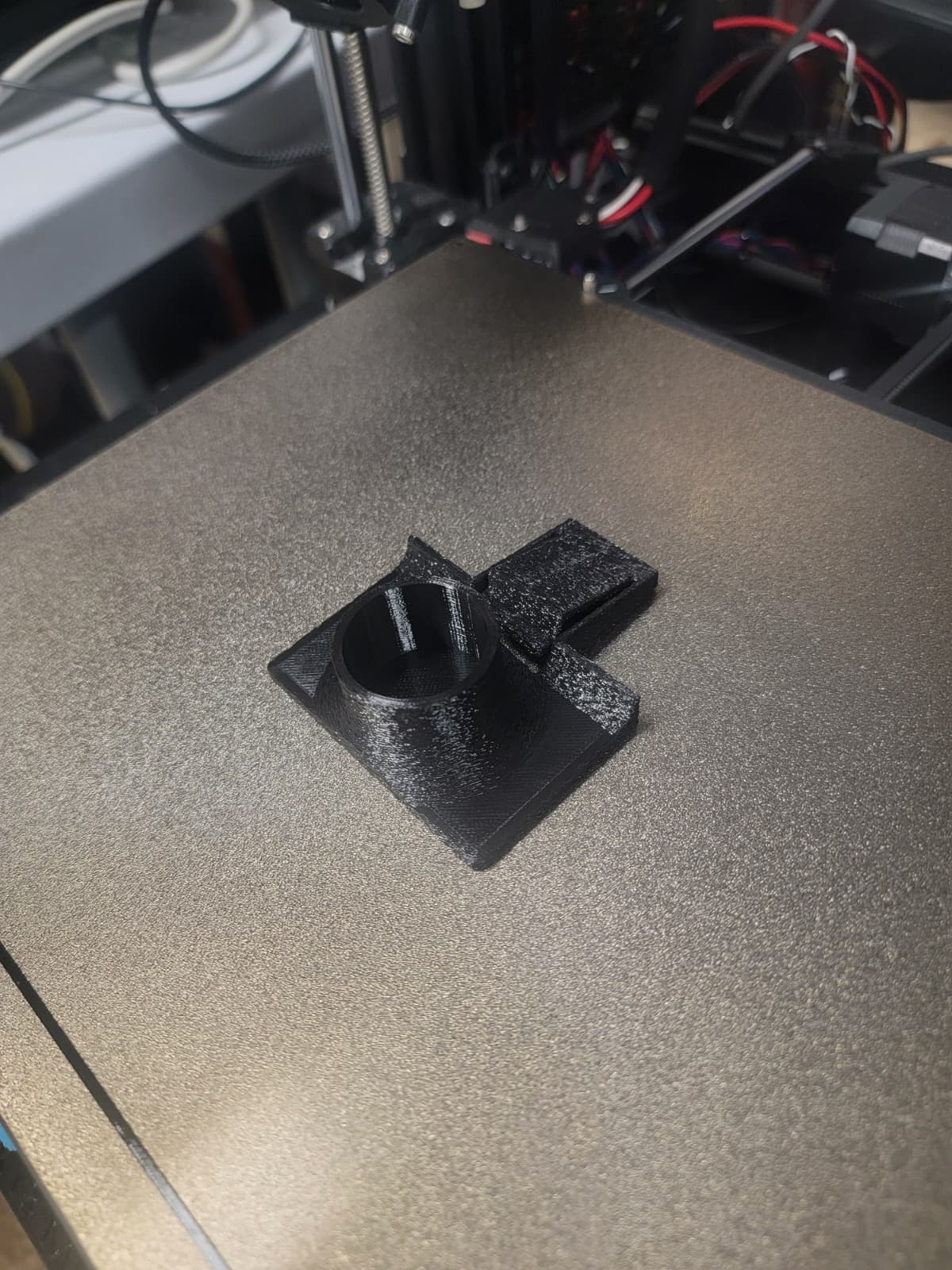
Kenmore Fridge Door Shelf Clip
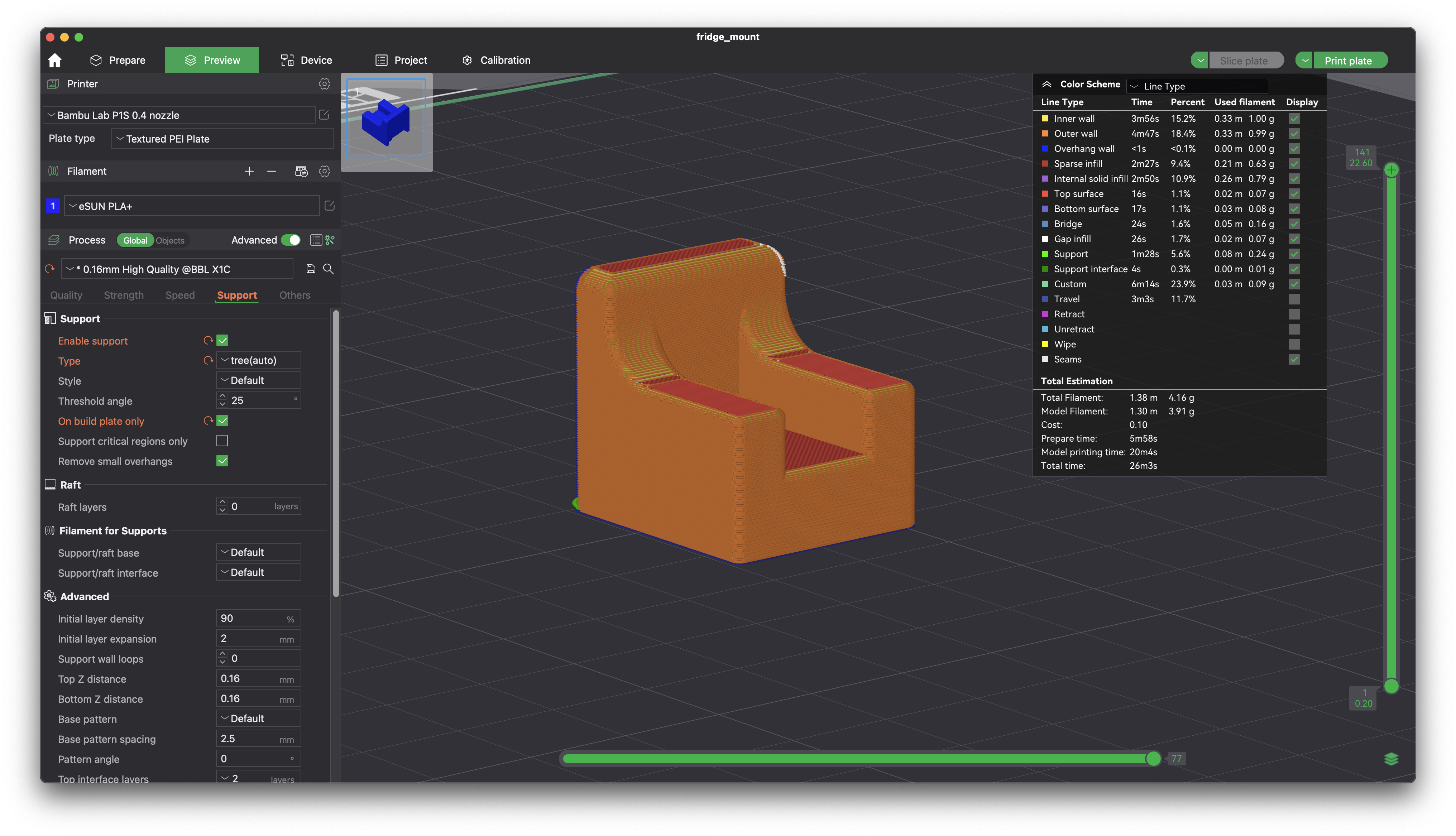
Kenmore Freezer Shelf Support
Every part above is made to order. Browse the FIX IT catalog for the full list.
Nothing close?
Tell us about the part and we will look for it and email you if we find or can make it.
Questions
- What makes a good photo?
- Fill the frame with the part, include any tabs, clips, holes or threads, and add a second photo if there is text printed on it. Legible part or model numbers give the best match.
- How do you decide a match is right?
- We compare what the photo shows with the parts we print: component type, the device it fits, listed compatible models and any part numbers on the part. A compatibility label only says verified when that listing has been checked.
- What if you do not have the part?
- Send us the photo and details. We will look for it and email you if we find or can make it. We cannot promise every part will be made.